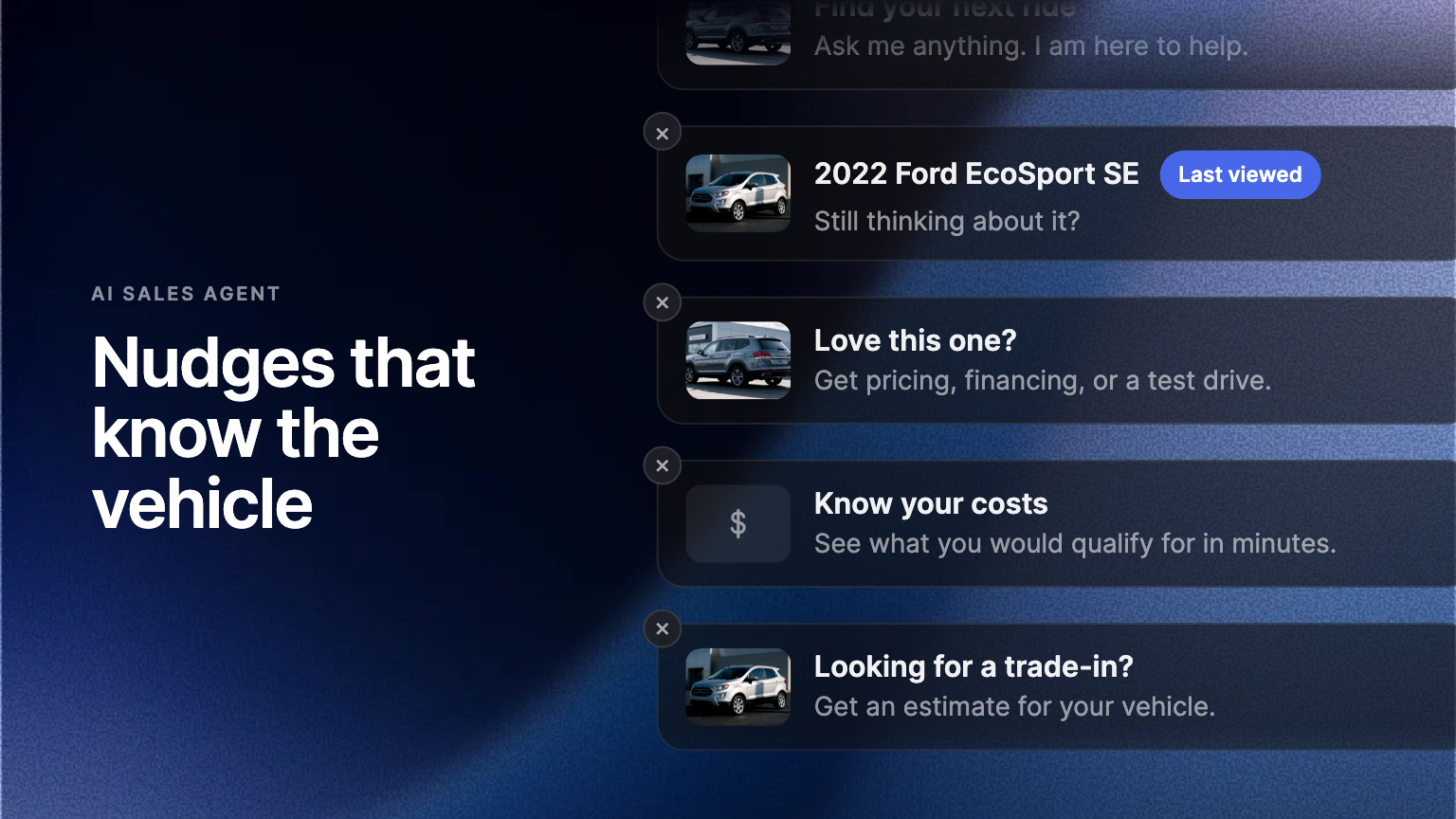
The AI Sales Agent's proactive prompts are targeted to the kind of page they appear on, and can name the vehicle a buyer is looking at or looked at earlier in the visit.
Most visitors to a dealership site never say anything. They read a listing, open a second one, compare payments, and leave. The chat launcher sits in the corner the whole time, waiting to be clicked by the small share of people who were going to make contact anyway.
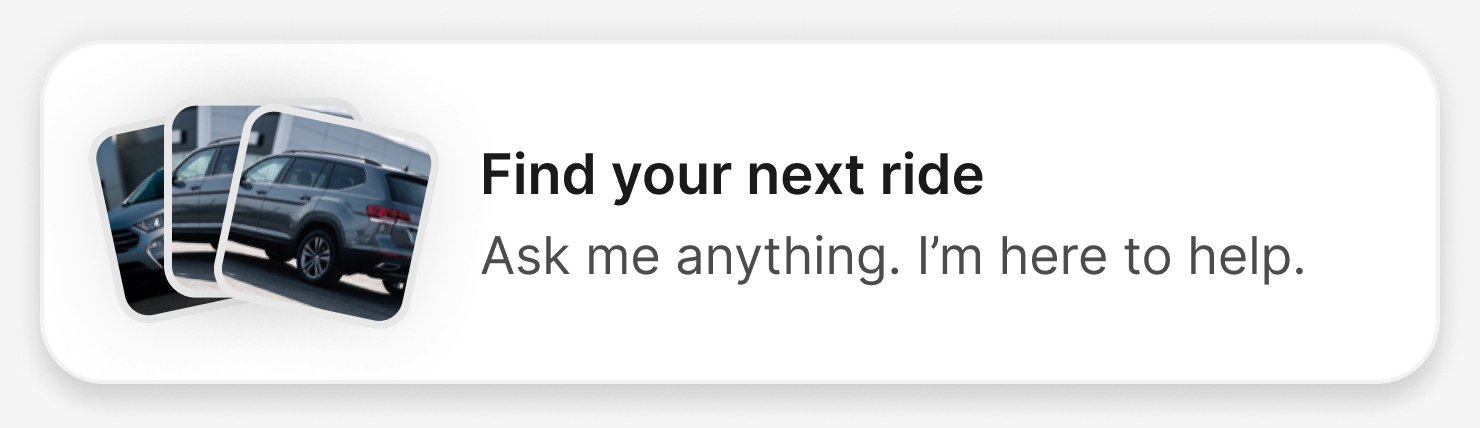
A nudge is the launcher speaking first. Instead of an icon, the buyer sees a short line above it, and the line is about the page they are on.
Written for the page, not for everyone
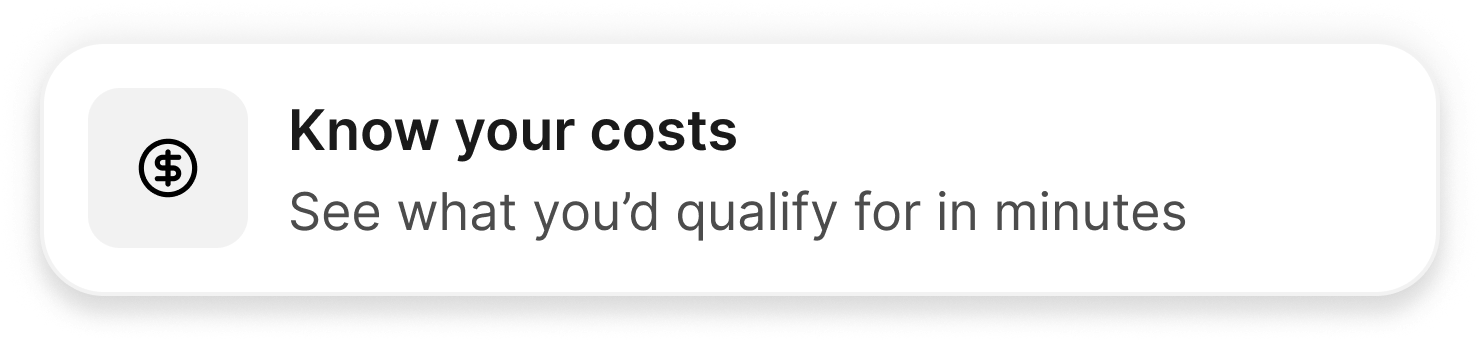
Each nudge is targeted at a kind of page rather than a single URL. The line on a vehicle details page can invite a test drive, the one on a financing page can offer to work out a payment, and the one on a service page can ask what the buyer is looking for. One store can run all of them at once without any of them appearing in the wrong place.
It knows which vehicle
The newest part is context. A nudge on a vehicle details page can name the vehicle on the screen, and a nudge on a search results page can name one the buyer opened earlier in the same visit, with a marker showing it as the last one they viewed.
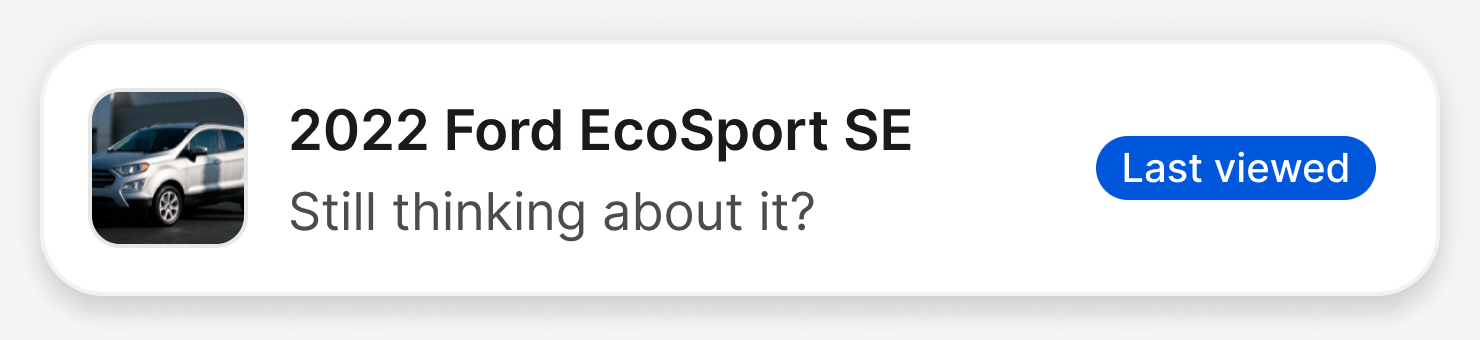
That difference matters more than it sounds. A generic greeting asks the buyer to restate what they were already doing. A prompt that names the vehicle they have been reading about for four minutes reads as continuity, and the reply the store gets back starts from a known unit instead of from scratch.
Dismissible, and quiet after that
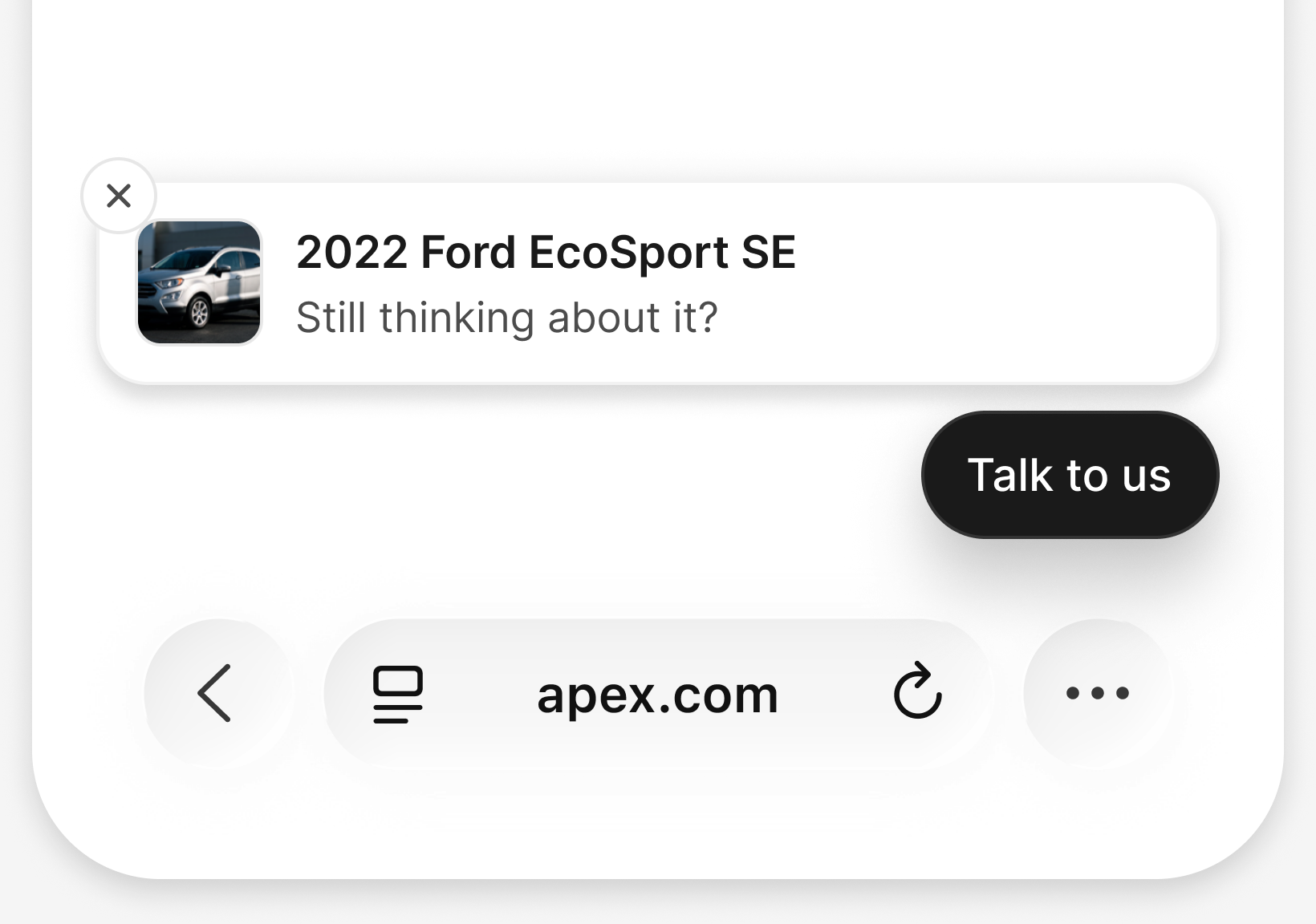
Every nudge has a close control. A buyer who dismisses one is not shown it again, because a prompt that reappears after being closed stops being a nudge and starts being an obstruction.
What is live, and what is next
Nudges are on for stores running the AI Sales Agent. There is no separate switch, and nothing to add to the site itself. Vehicle context sits on top of that, and it depends on the store's own listings being readable to us. Where they are, a nudge can name the vehicle. Where they are not, the nudge still runs, written for the kind of page, without the vehicle name. The wording is written and maintained by us today.
Writing that wording yourself is the part we are building next. Per rooftop controls for the exact copy on each kind of page are in progress, so a store will be able to change a line as often as the merchandising behind it. We will announce it here when it is ready. Talk to your account team if you would like to be early on it.
Frequently asked questions
Not yet. Nudges run on copy we write and maintain today. Per rooftop control of the exact wording is in development, and we will announce it when it is available.
It falls back to the prompt written for that kind of page. Vehicle context is added when a vehicle is in view or was viewed earlier in the visit, and when the store's listings are readable to us. It is left out otherwise, and the nudge still runs.
Not for the rest of that visit. Closing one is treated as an answer, not as a delay.