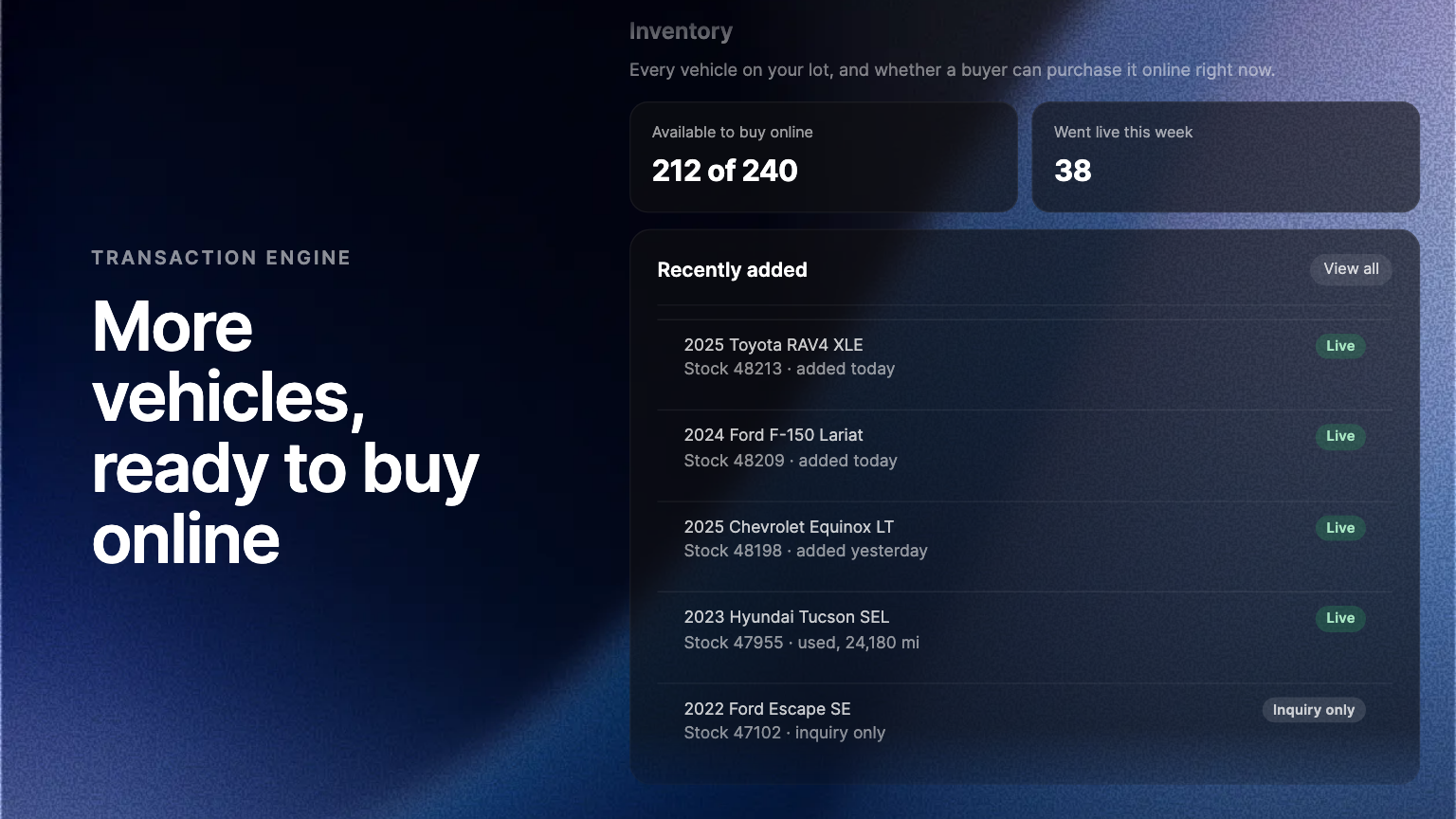
Vehicles that were waiting on confirmed details now go live for online purchase as soon as Ekho holds complete, consistent data for that vehicle. More of your inventory is available to buy online, sooner, with nothing to switch on.
A vehicle on your lot does no work online until a buyer can actually purchase it there. Before Ekho puts a Buy button on a vehicle, it has to know exactly what that vehicle is: the year, make, model and trim, and the specifications that pricing, paperwork and financing depend on. A vehicle whose details were still being confirmed waited, and so did any buyer looking at it.
What changed
When Ekho already holds complete, consistent details for a vehicle, the inventory you match to it goes live for online purchase without a wait. Vehicles that were held while their details were confirmed are released the moment that confirmation lands, rather than sitting until someone comes back to them.
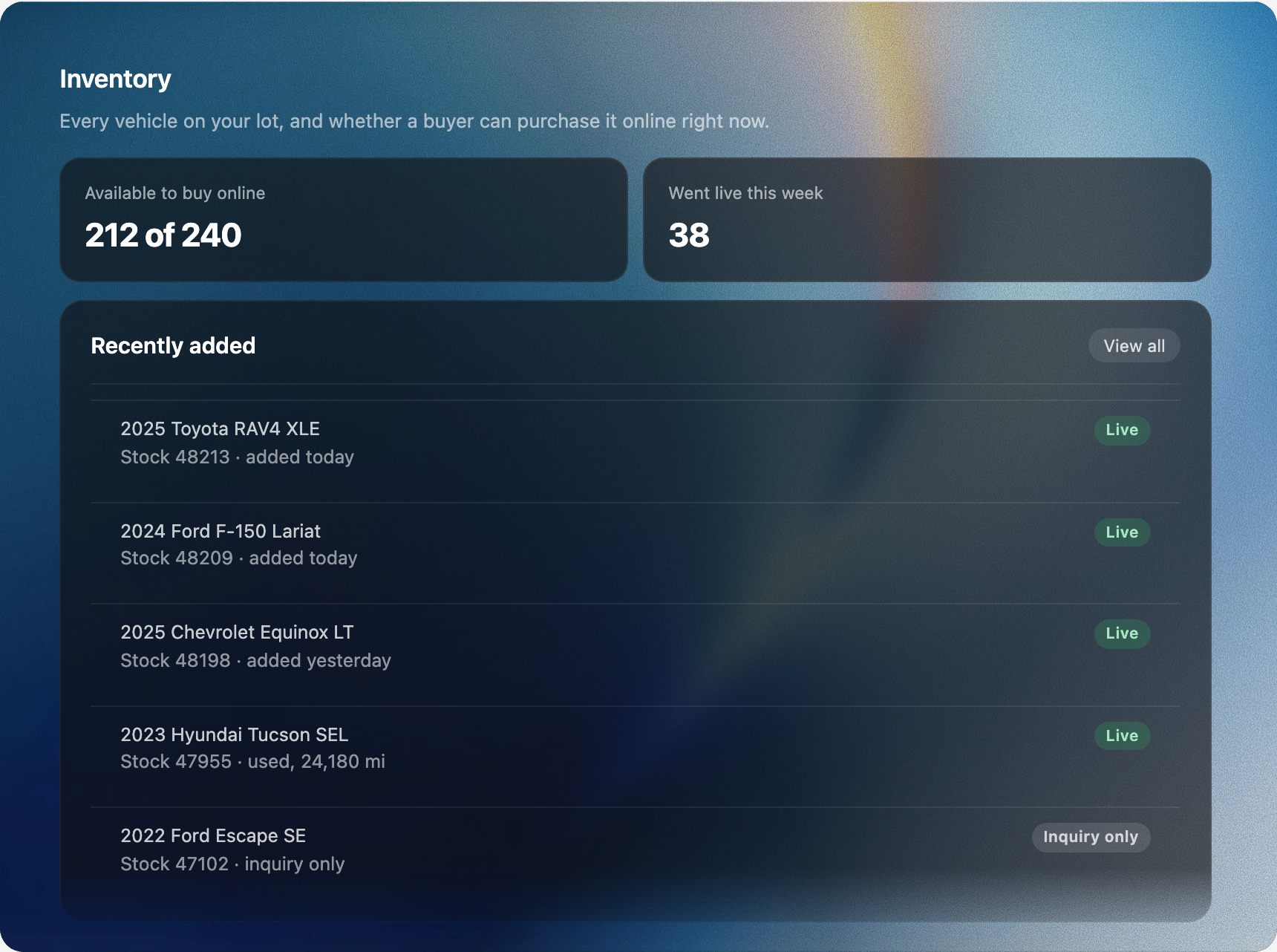
More of the lot, online
A buyer on your site sees a Buy button only on a vehicle they can purchase right now. More vehicles cleared for online purchase means more Buy buttons, more of your lot in front of buyers after hours, and fewer vehicles that are on the lot but not in the store. Nothing about the checkout changes. The same pricing, the same paperwork, the same financing.
Nothing to switch on
This applies to the inventory you already hold and to every vehicle you add from here on. A vehicle Ekho cannot yet confirm goes live once its details are, as it does today, and you can still take any vehicle off online sale from its inventory record.
Where to find it
In the Admin Portal, open Inventory and select a vehicle. Its Online sales status shows whether a buyer can purchase it online right now.
Frequently asked questions
No. It applies to the vehicles you already hold and to every vehicle you add from here on.
It goes live for online purchase once its details are confirmed, as it does today. A buyer can still enquire about it in the meantime.