A widget link opens the AI Sales Agent straight into a pre-qualification check, a booked visit or a text conversation. Dealer groups can now create them for every rooftop at once, limited to what all of them can honour.
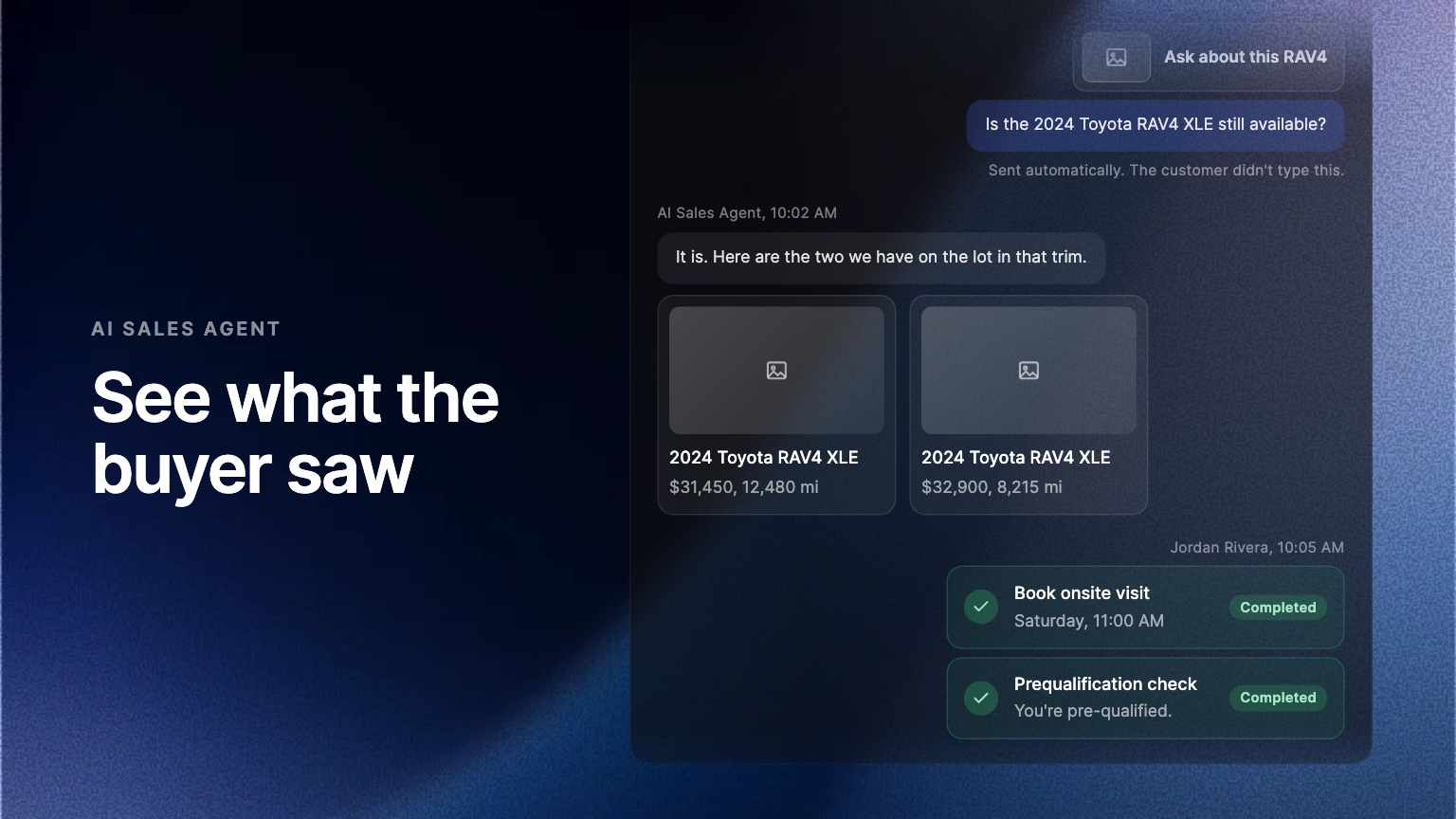
A widget link opens the AI Sales Agent straight into one thing: a pre-qualification check, a booked visit, a text conversation. You create it in the Admin Portal, put it behind a button on your own site, and a visitor who clicks it lands mid-task instead of at an empty chat.
What changed
At a dealer group, nobody could create one. Every option sat disabled, because the group account holds the websites while each rooftop holds the things a link actually needs: its own visit times, its own texting setup. Someone working at group level can now create widget links for the whole group.
Only what every rooftop can honour
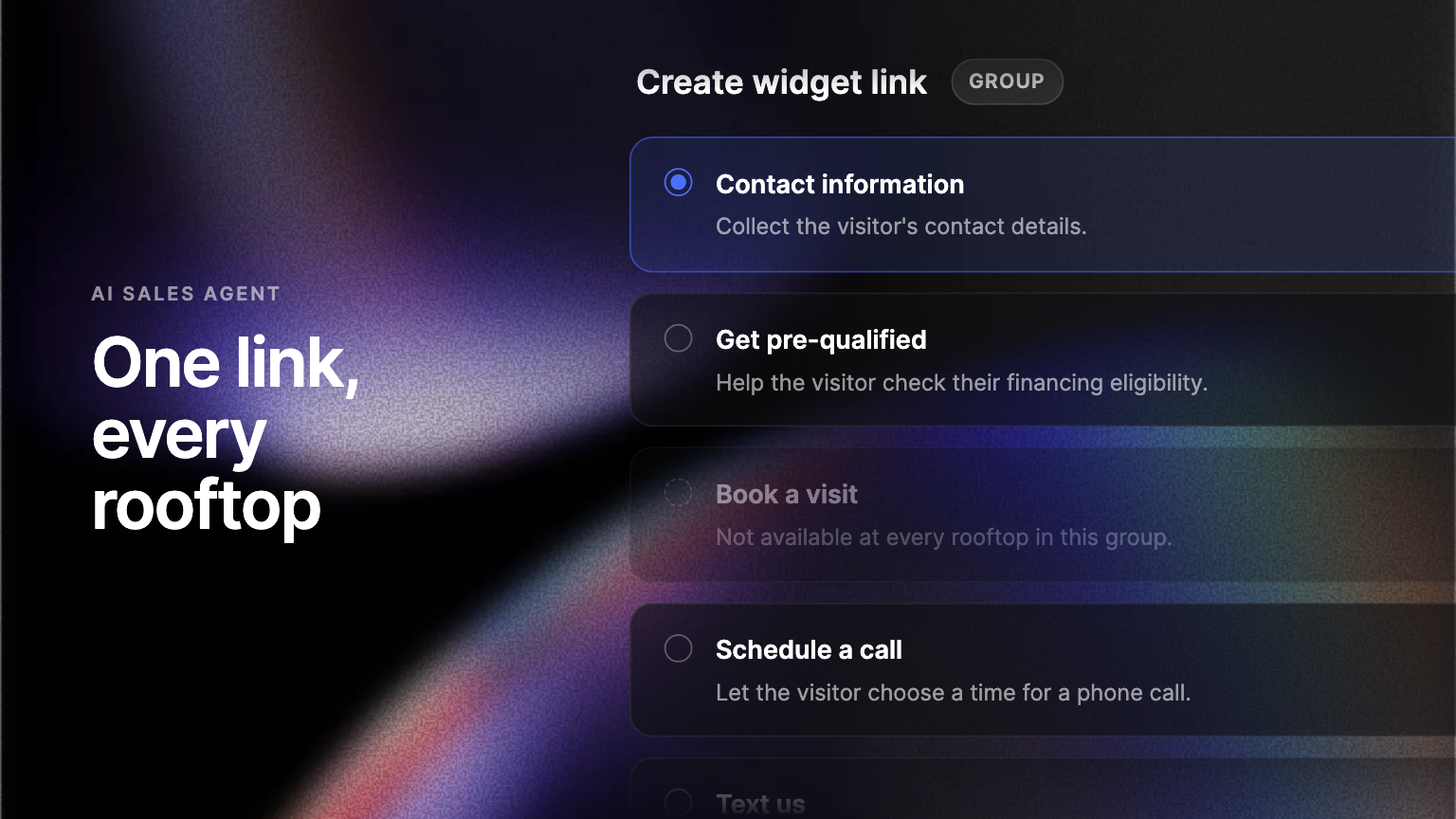
A group link offers the actions every active rooftop in the group can carry out. If one rooftop books visits and another does not, that option is not on the list. A visitor who clicks arrives at one rooftop, so a link is only worth offering when all of them can deliver it.
One link, not one per rooftop
A group-wide campaign, an email footer or a homepage button now needs a single link rather than a list of them, and the group keeps one standard for what its rooftops promise.
Where to find it
In the Admin Portal, open Settings, go to the AI Sales Agent's capabilities, and find Generated widget links.
Frequently asked questions
Contact details, a pre-qualification check, a scheduled call, a booked visit, or a text conversation.
At least one active rooftop in the group cannot carry that action out. Turn it on for every rooftop and the option appears.