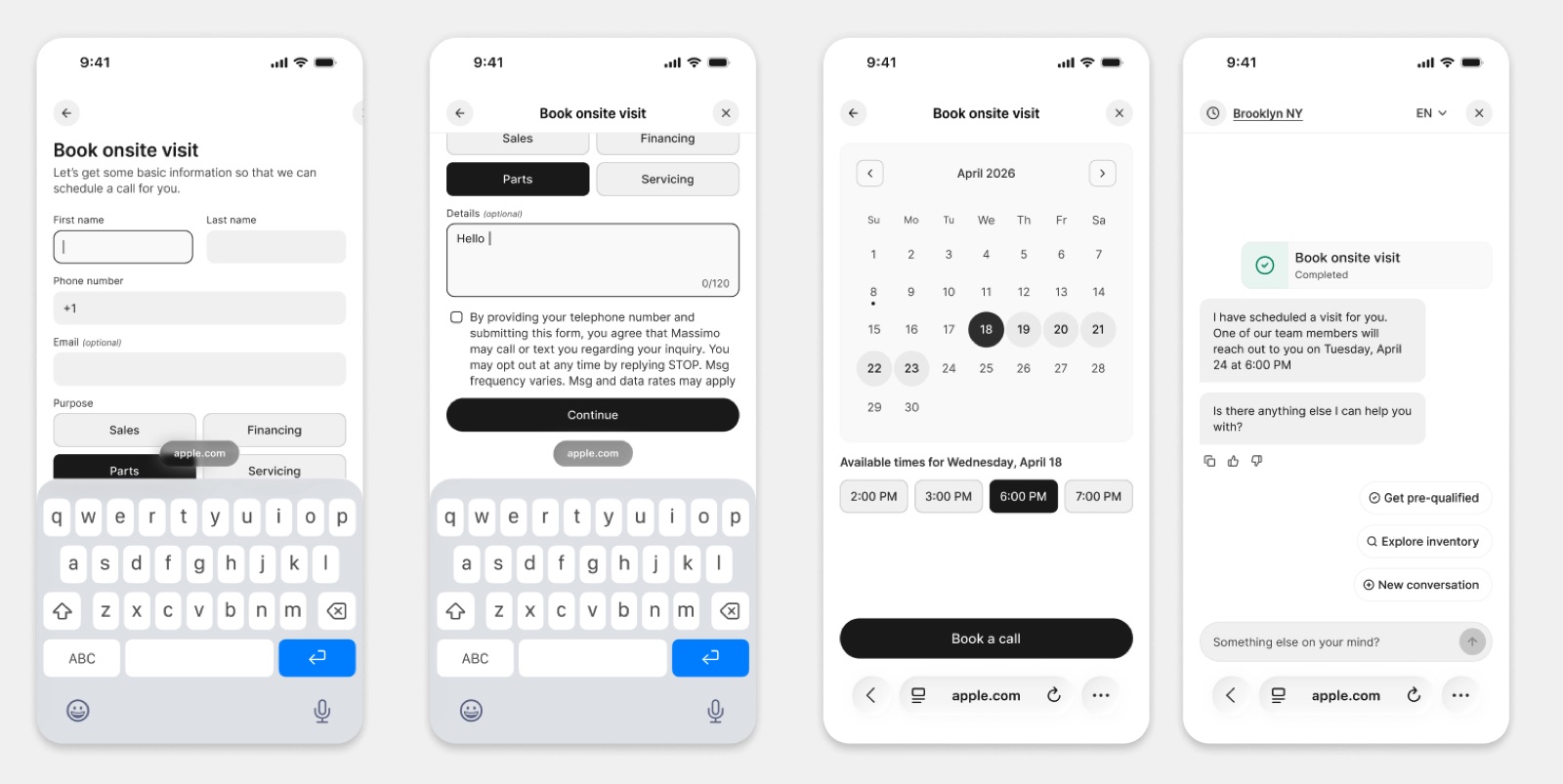
The widget is rebuilt around booking a call, booking an appointment and getting pre-qualified, which cuts the taps between browsing and a confirmed time. Stores can now turn on pre-qualification and set their own approval threshold from the Admin Portal.
A buyer on a vehicle page is rarely trying to have a conversation. They are trying to do one of three things: speak to somebody, come in at a time that suits them, or find out whether they can afford it.
The widget is now built around those three things.
Fewer taps from browsing to booked
The redesigned widget puts the actions first. Booking a call, booking an appointment and getting pre-qualified are each a direct path rather than something the buyer has to ask for and wait on. The result is fewer taps between "just browsing" and a time on your calendar.
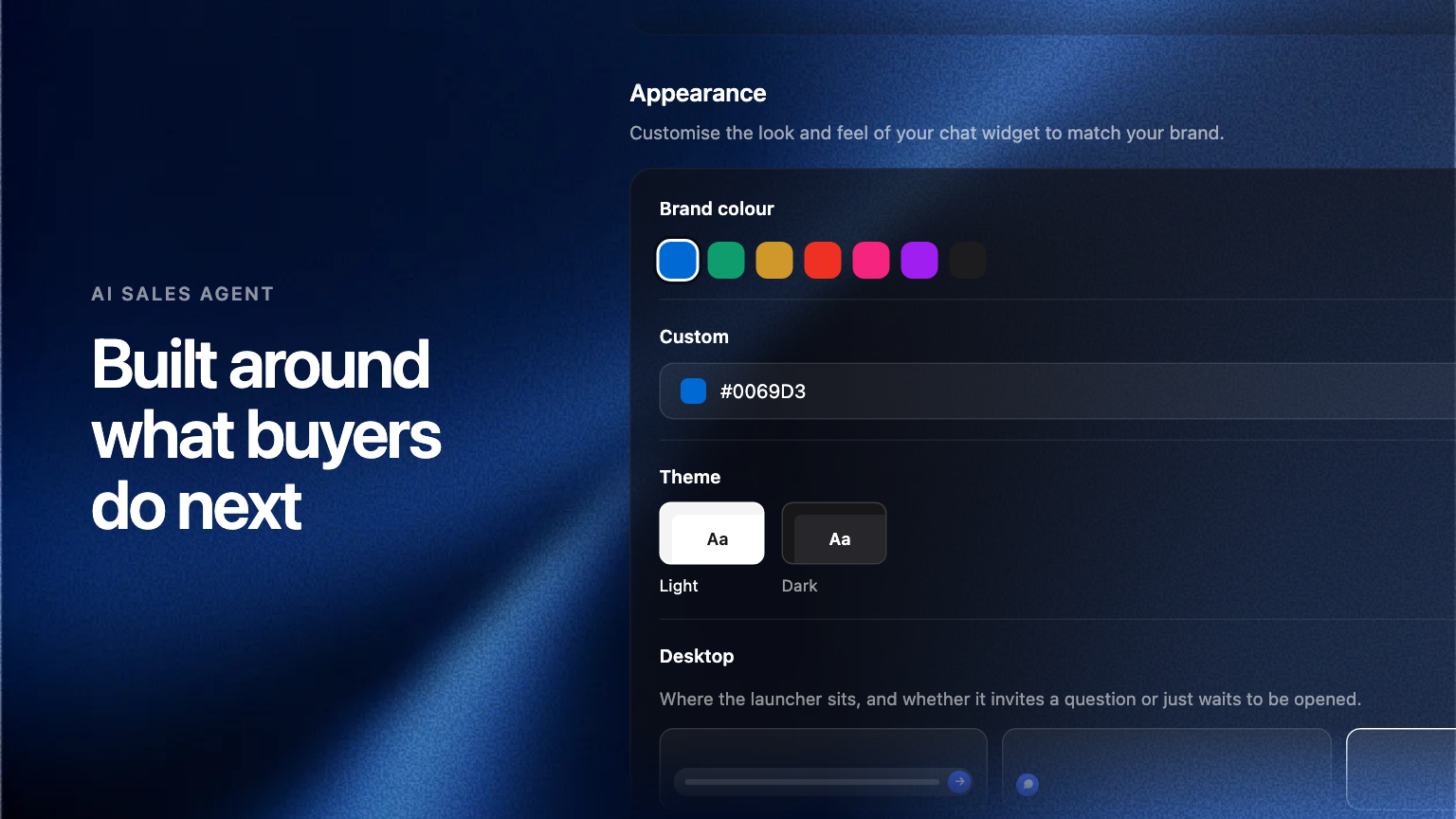
You control how it looks. Brand colour, the desktop and mobile presentation, and which domains it runs on are all set in the Admin Portal.
Pre-qualification, on your terms
Pre-qualification is now something each store turns on for itself, with its own approval threshold, straight from the AI Sales Agent settings.
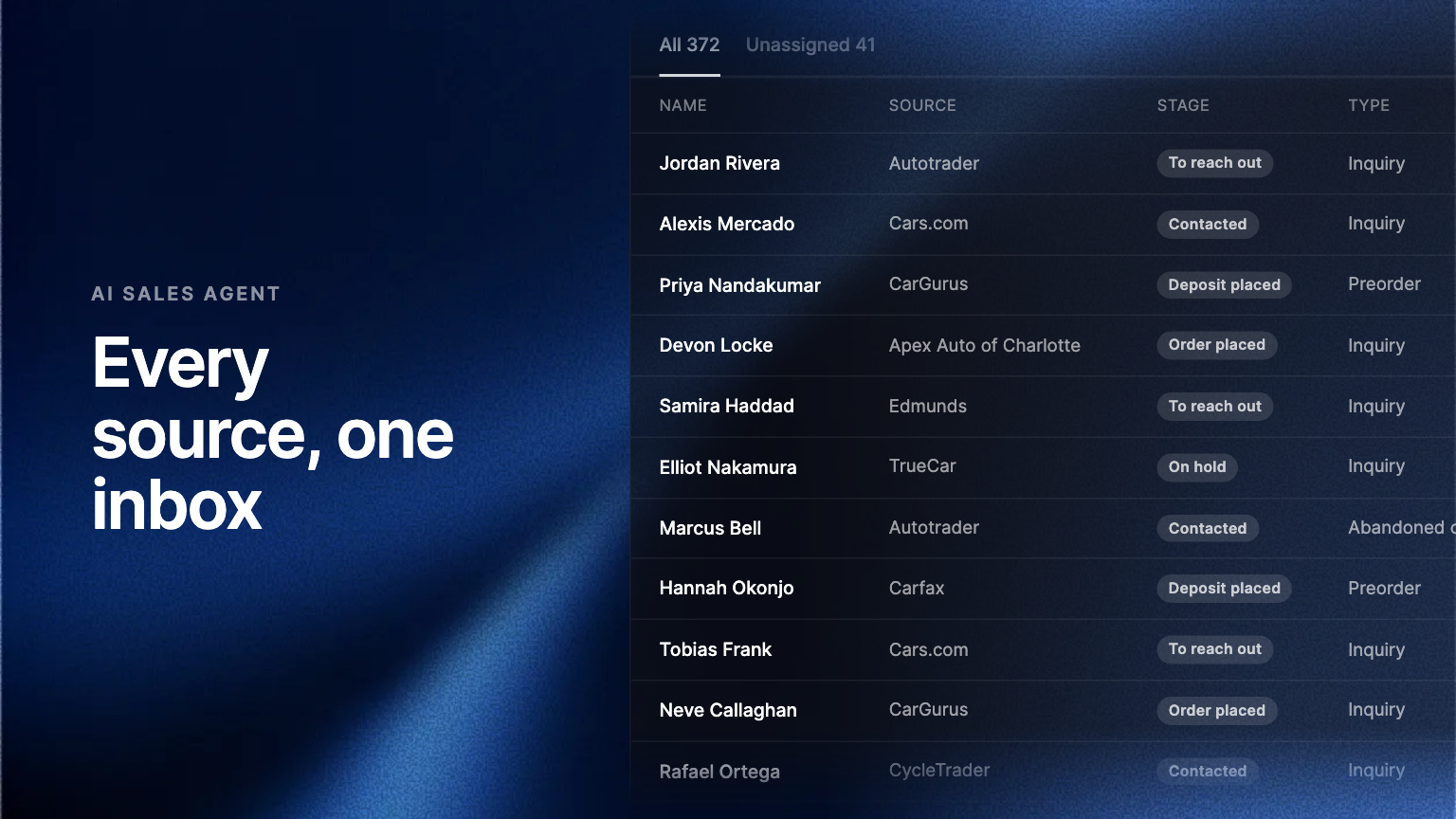
Two things follow from that. The buyer finds out where they stand inside the chat, at the moment they asked, rather than waiting for a call back. And your team hears the outcome with the lead, so the first human conversation starts from a known position instead of an unknown one.
The threshold is yours. A store that wants to qualify tightly and a store that wants to keep the top of the funnel wide can sit in the same group and run different settings.
Where to find it
Open the Admin Portal, then the AI Sales Agent settings. Appearance and domains live under Widget. Pre-qualification and its threshold sit with the rest of the agent's capabilities.
Frequently asked questions
Yes. The threshold is set per store, so rooftops in the same group can qualify tightly or keep the funnel wide without affecting each other.
Yes. The buyer learns where they stand during the conversation, and the outcome travels to your team with the lead.