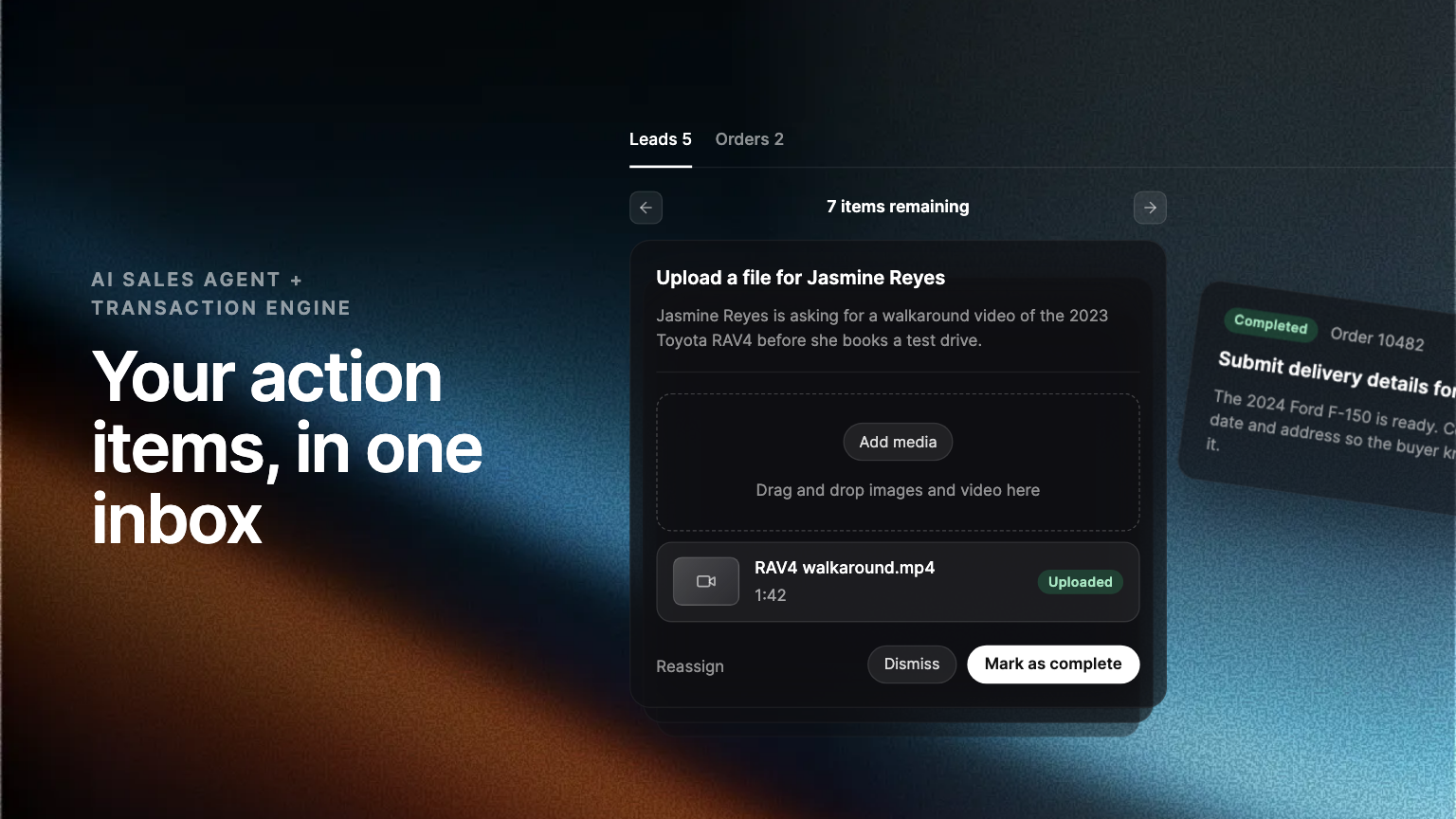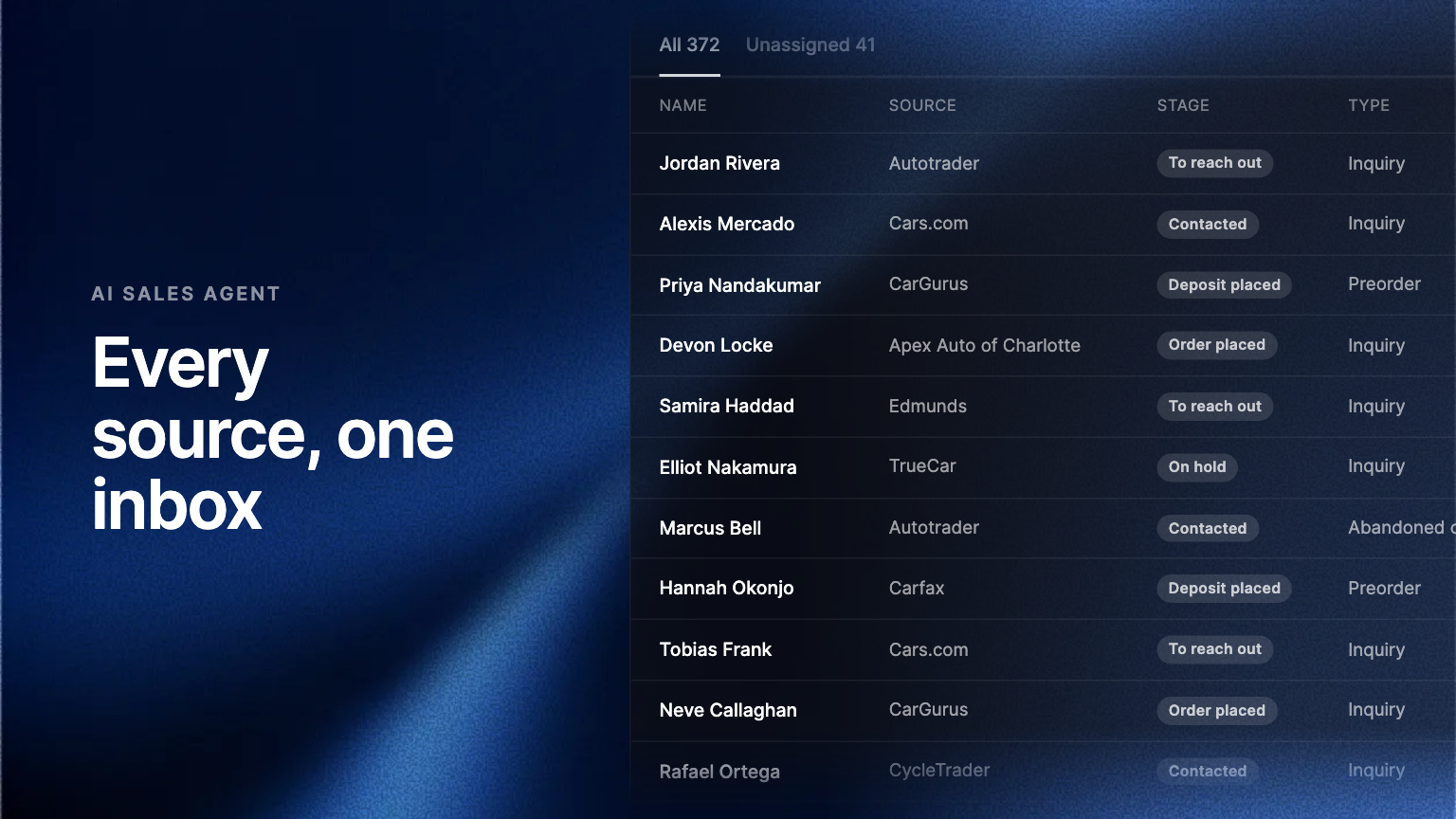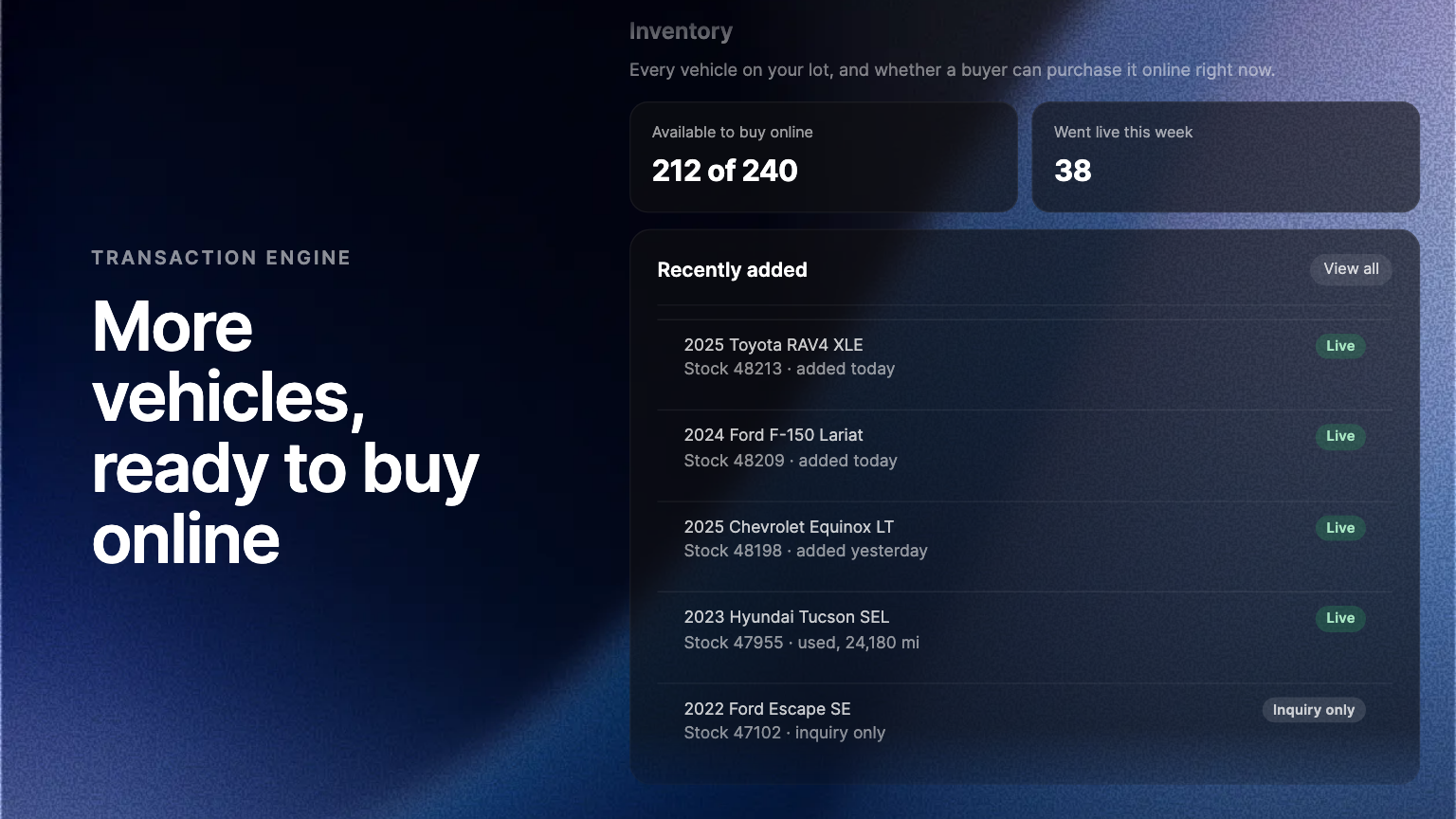
Automated lead routing settles three questions without anyone assigning work by hand: which leads are eligible, who they go to, and what happens when nobody responds. Routing lives in the Admin Portal and covers sales, service and parts.
A lead only pays for itself if somebody answers it. The usual failure is not a shortage of leads. It is a shared inbox where a service question waits behind a finance question, and the first reply arrives four hours late from someone who cannot answer it.
So, introducing automated lead routing.
What routing settles
Every lead the AI Sales Agent captures now has somewhere to go, without anyone assigning it by hand. Routing lives in the Admin Portal, and it answers three questions:
- Which leads are eligible for routing.
- Who each one goes to.
- What happens when nobody responds.
Routed by department, using AI
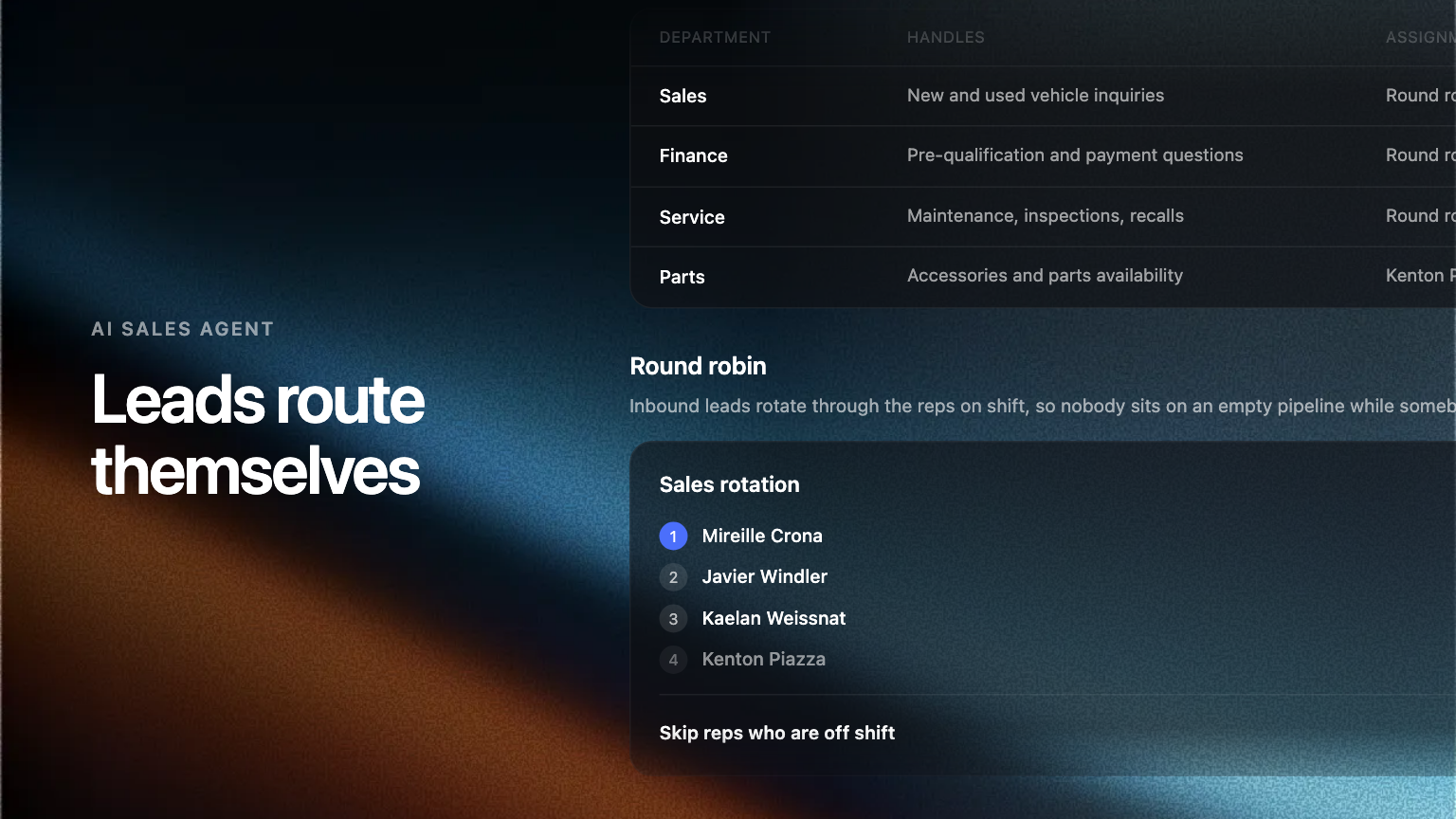
Rather than one shared inbox, the agent reads the conversation and sends it to sales, service or parts. The first reply then comes from someone who can actually answer the question. You choose which sources are eligible, so a parts enquiry from a vehicle page can route differently from one that started in service.
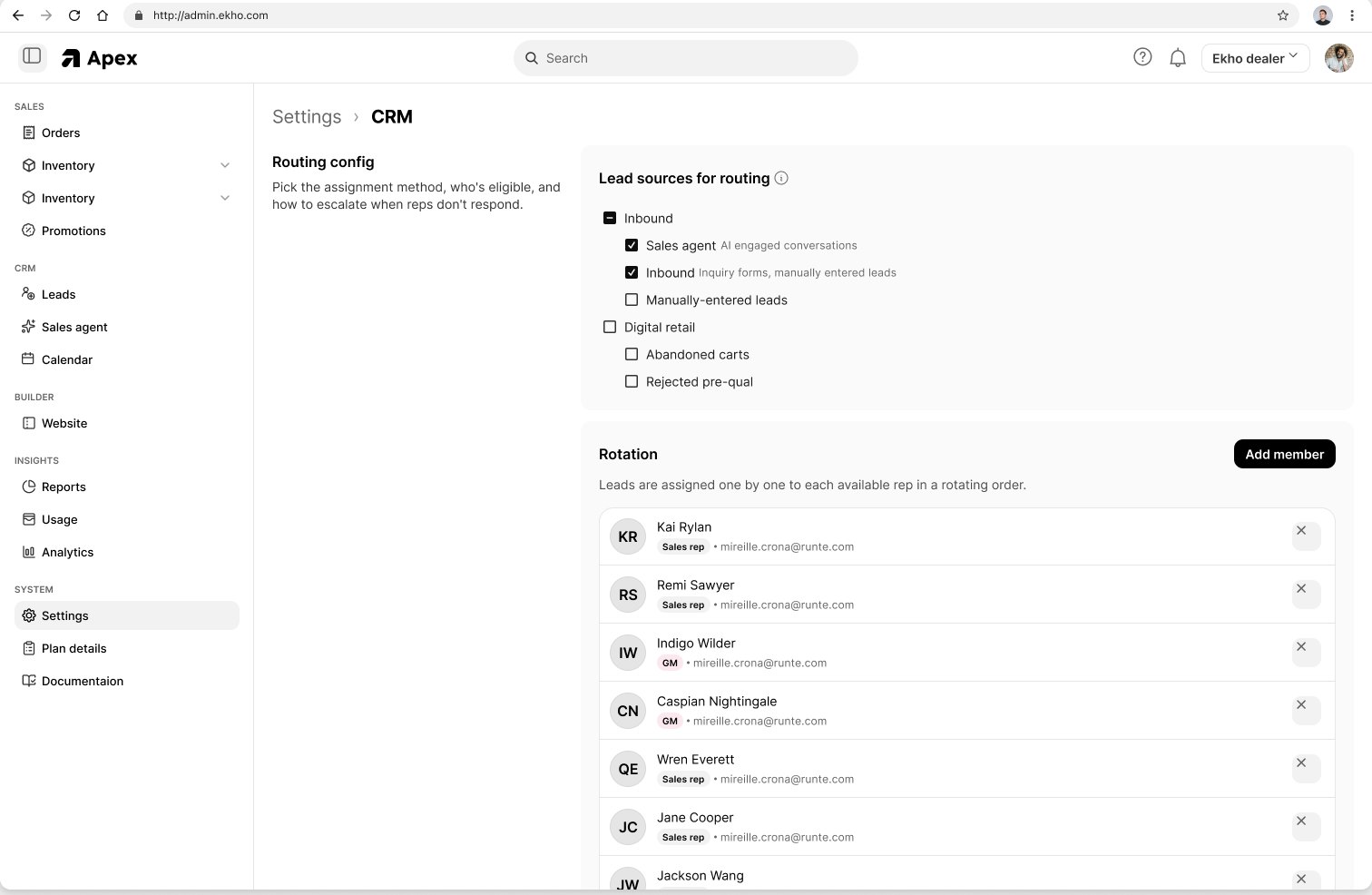
Round robin across your reps
Eligible leads are assigned one at a time to each available rep in a rotating order. Volume spreads evenly instead of landing on whoever refreshes the page first. Reps who are off shift are skipped, so a lead does not sit with somebody who went home two hours ago.
Escalation when a lead goes quiet
If the assigned rep does not respond inside the window you set, the lead reassigns to the next rep in the rotation and a manager is alerted. Business-hours rules apply, so nothing fires overnight. A lead never dies quietly on one person's desk.
Where to find it
Open the Admin Portal, then the AI Sales Agent settings, then Routing. Set your eligible sources first, then build the rotation, then set the escalation window. Nothing changes for leads already in flight.
Frequently asked questions
The agent reads the conversation rather than relying on the page the buyer started from. A question about maintenance intervals routes to service even if it began on a vehicle detail page.
After the window you set, the lead reassigns to the next rep in the rotation and a manager is notified. Business-hours rules stop escalations firing outside your opening times.