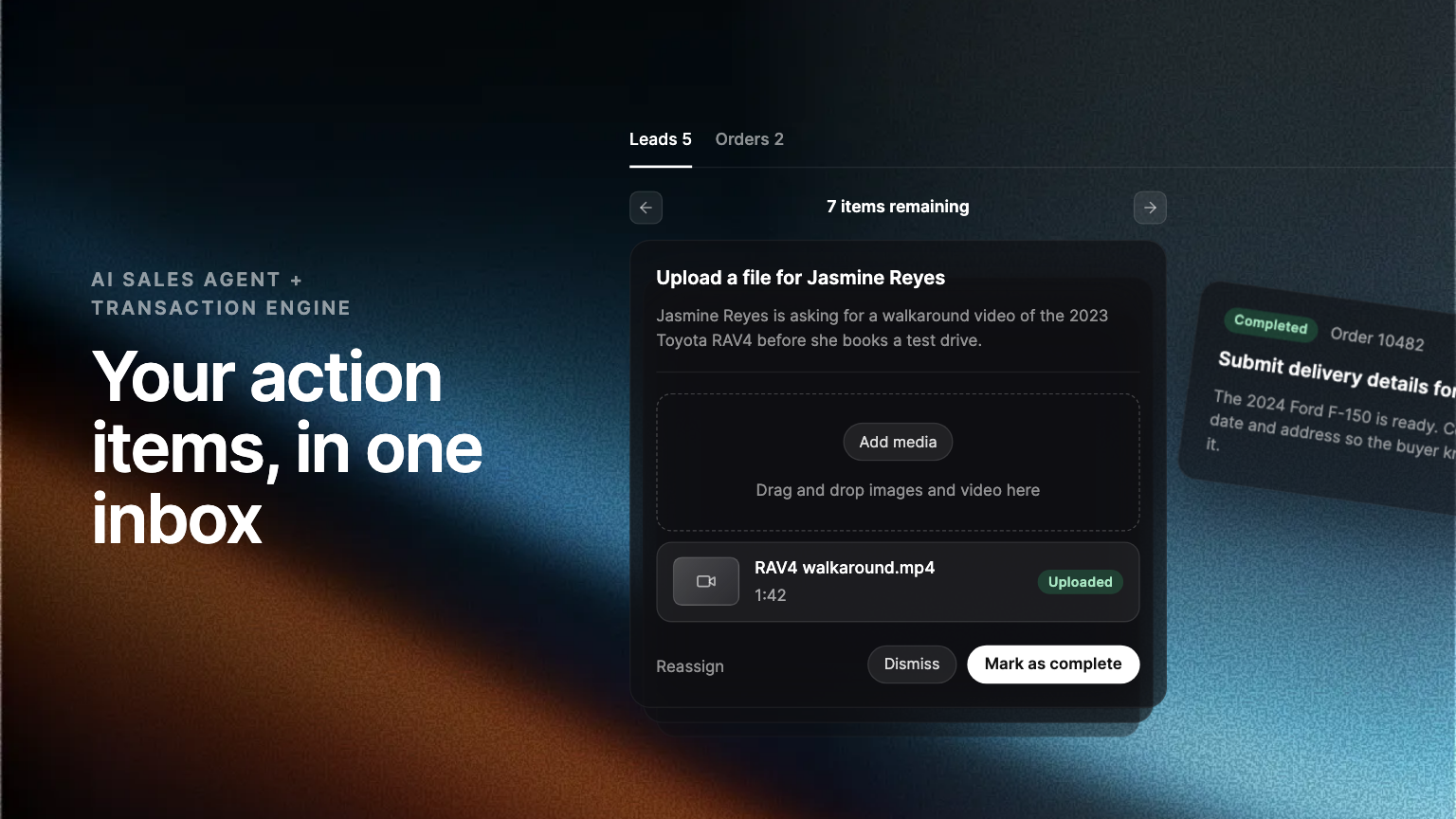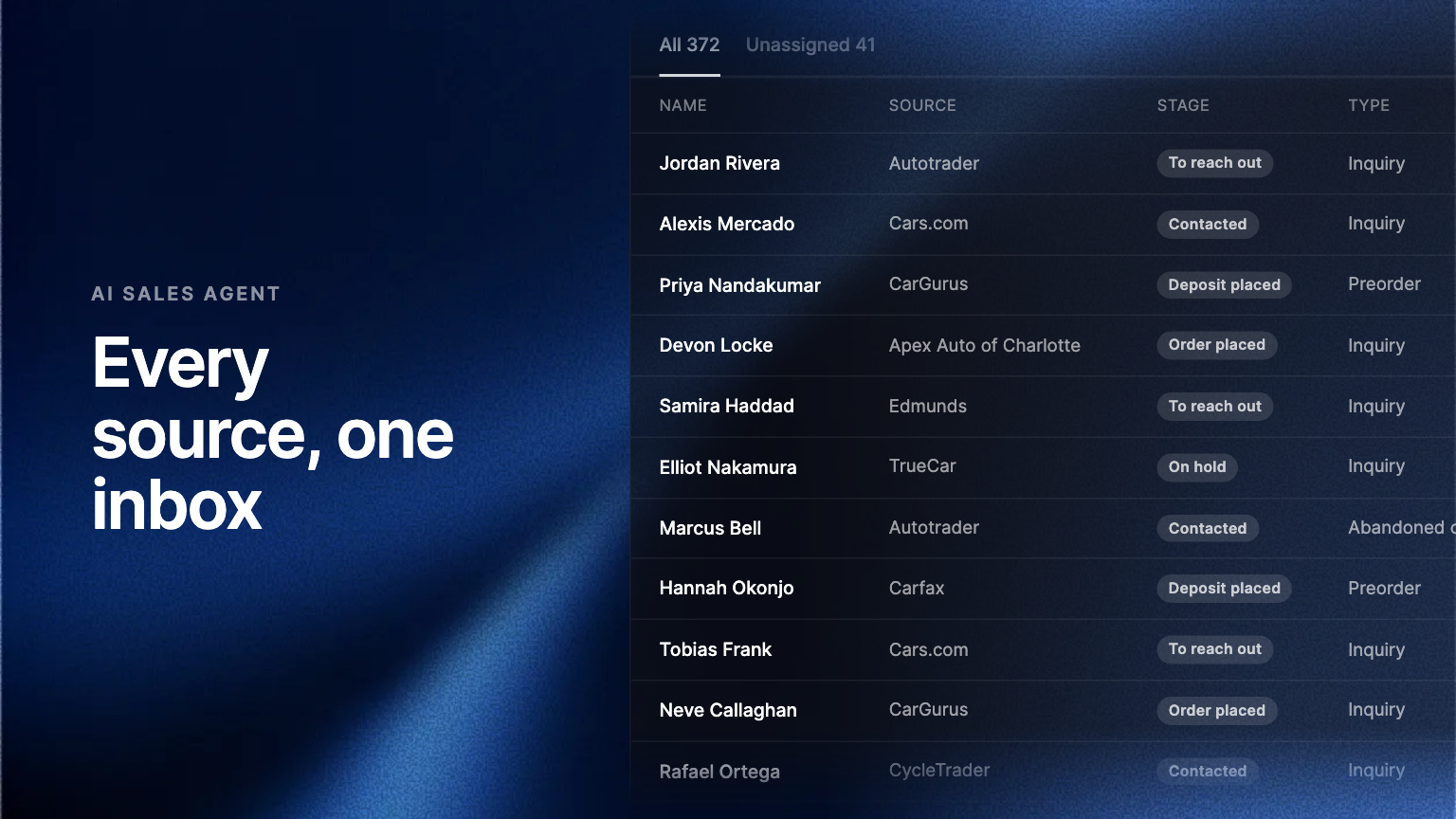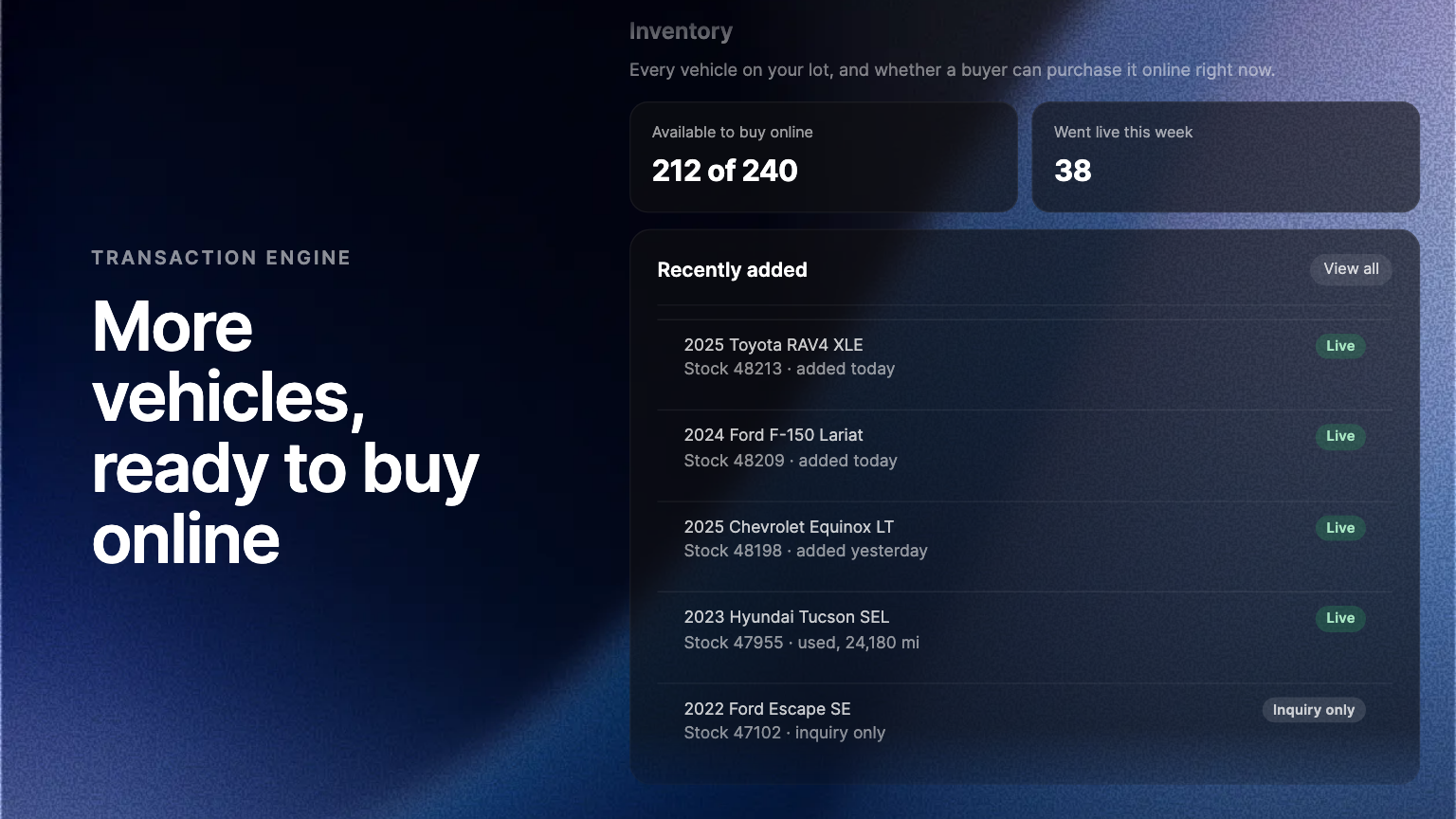
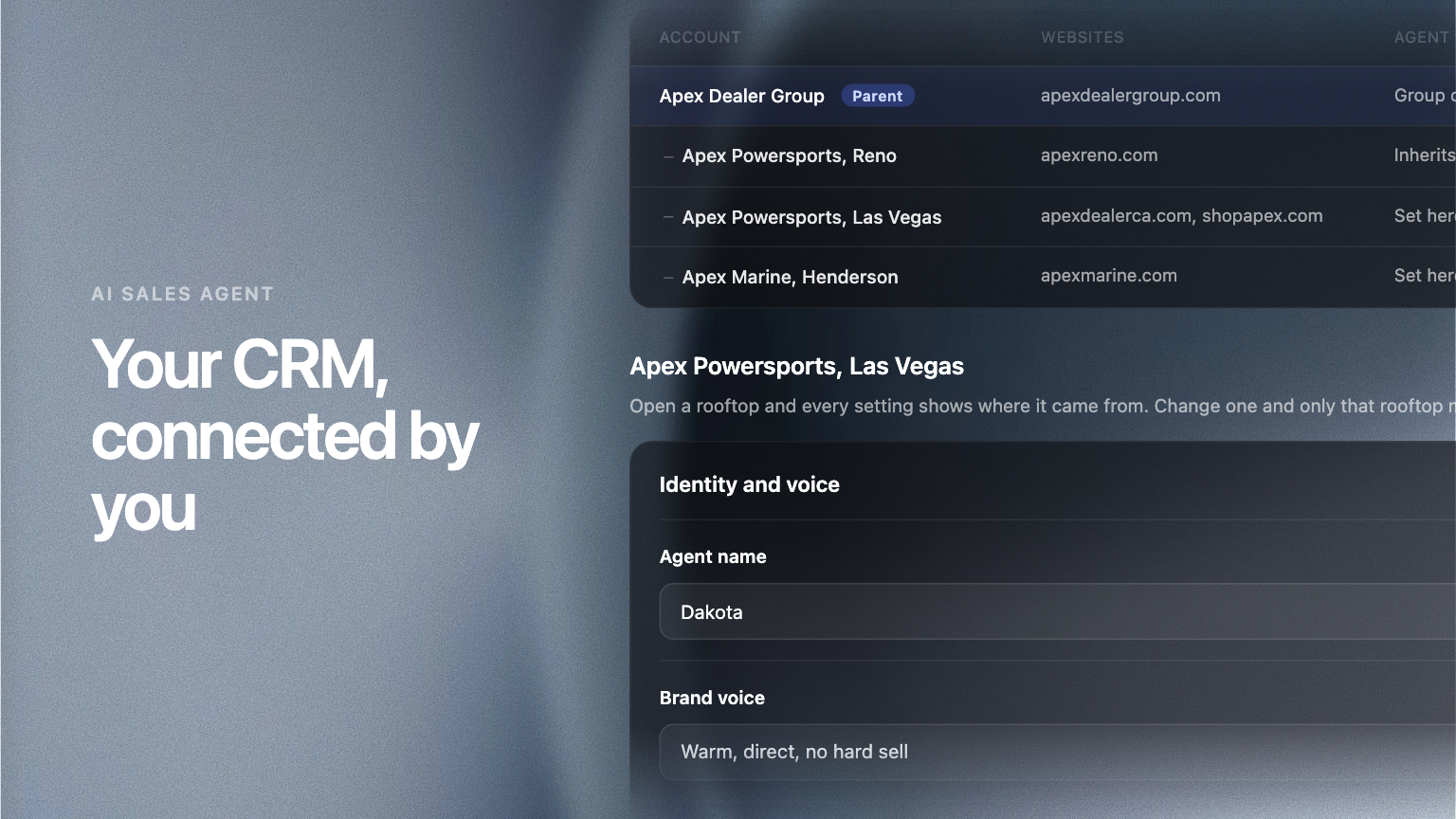
Salesforce is now a self-serve connection in Settings, with your own field mapping, rather than something Ekho configured for you. Every lead then carries its forwarding status, and a link that opens that record in your CRM.
A CRM integration that only Ekho can switch on is not really an integration. It is a support ticket.
Two changes fix that.
Connect it yourself
Salesforce now connects from Settings. You authorise the connection, map the fields you care about, and start forwarding. There is no implementation call and no waiting on us to seed a configuration by hand.
The mapping is yours. If your team keeps a field Ekho has never heard of, point a lead value at it and the value follows.
See where every lead went
Forwarding used to be a black box: a lead was captured, something happened, and the only way to know was to go and look. Each lead now shows whether it reached your CRM, and carries a link that opens the record over there.
That turns the standing question, is the integration actually working, into something you answer by looking at the lead in front of you.
Why this matters more than it sounds
Every hour a lead sits in a system your sales team does not open is an hour it is not being worked. The point of forwarding is not tidiness, it is that the lead arrives where somebody will see it, and that you can prove it did.
Where to find it
Admin Portal, Settings, then CRM. Forwarding status appears on each lead in the lead drawer.