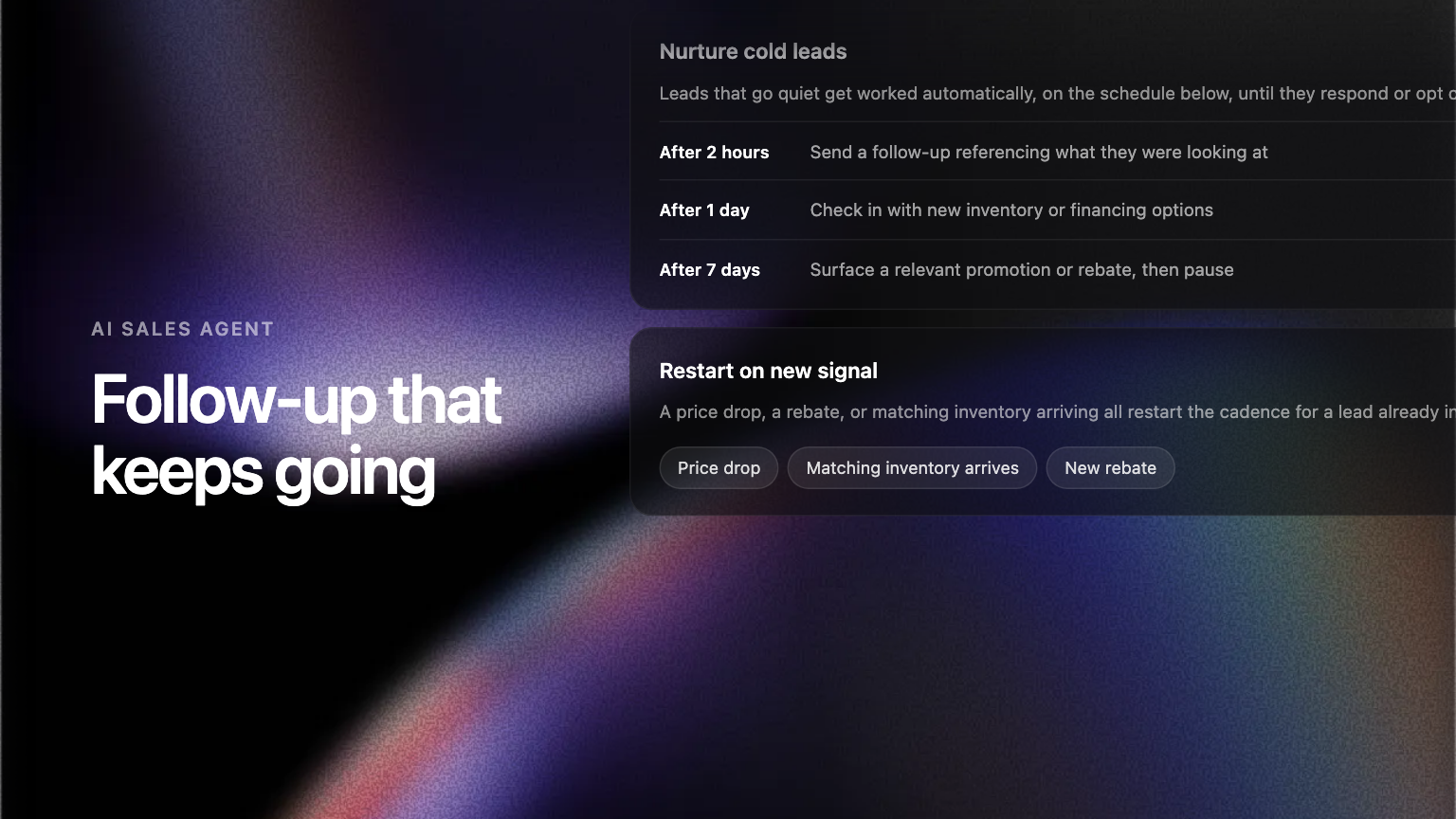
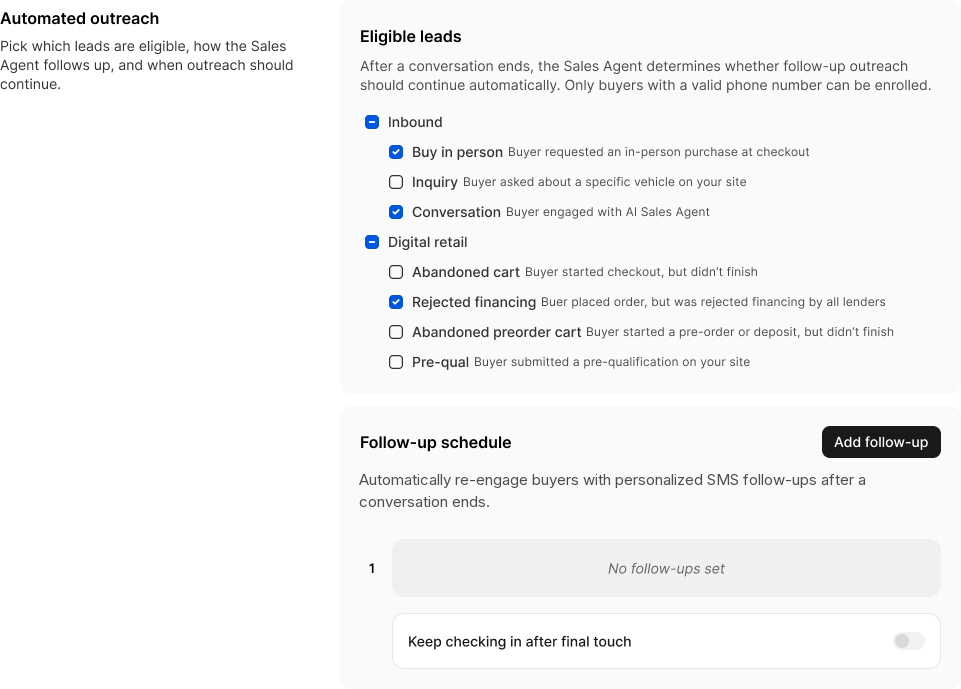
Follow-up schedules let the AI Sales Agent re-engage buyers automatically after a conversation ends. You choose which leads qualify and when each message goes out, and the sequence stops on its own when the buyer replies, books, or opts out.
Most leads are not lost at the first reply. They are lost three days later, when a buyer who asked a good question at ten at night never hears from anyone again.
So, introducing follow-up schedules.
What you set up
Follow-up schedules live in the Admin Portal, under the AI Sales Agent's CRM settings. You pick which lead types are eligible, then build the schedule one step at a time, choosing how long to wait before each message. Everything else is left alone.
Written from the conversation, not from a template
A follow-up is not a canned message with a first name dropped into it. The agent picks the thread back up knowing what the buyer asked about and how the conversation was left. A buyer who went quiet after a financing question gets a message that acknowledges the financing question.
It stops when it should stop
The sequence ends itself when the buyer replies, books an appointment, or opts out, and opting out is permanent. If one of your reps takes the thread over, follow-up pauses until they hand it back.
Visible on every lead
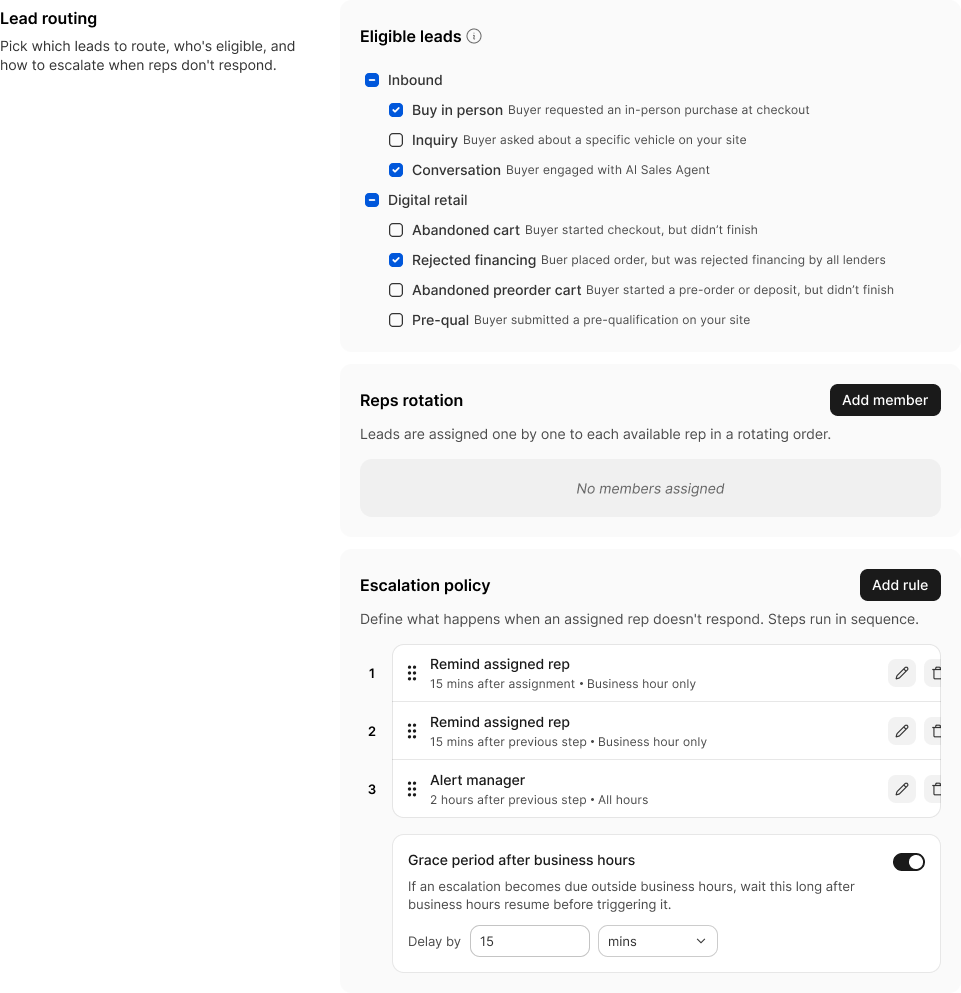
Open a lead in the Admin Portal and you can see where its follow-up stands, how many messages are left and when the next one is due. Pause it, resume it or restart it from the same place. Messages only go out during daytime hours in the buyer's own local time.
Where to find it
Admin Portal, Settings, CRM, then Automated outreach. Speak to your Ekho contact if you would like it switched on for your group.
Frequently asked questions
Only for as long as the schedule you built runs. It ends on its own when the buyer replies, books an appointment, opts out, or a rep takes the conversation over. Opting out is permanent, and buyers are only enrolled if they gave the dealership a mobile number in the first place.
No. Each one is written from that buyer’s own conversation, so it refers to what they actually asked about and how the thread was left. There is no shared template underneath.